Quick Connect with QR Codes
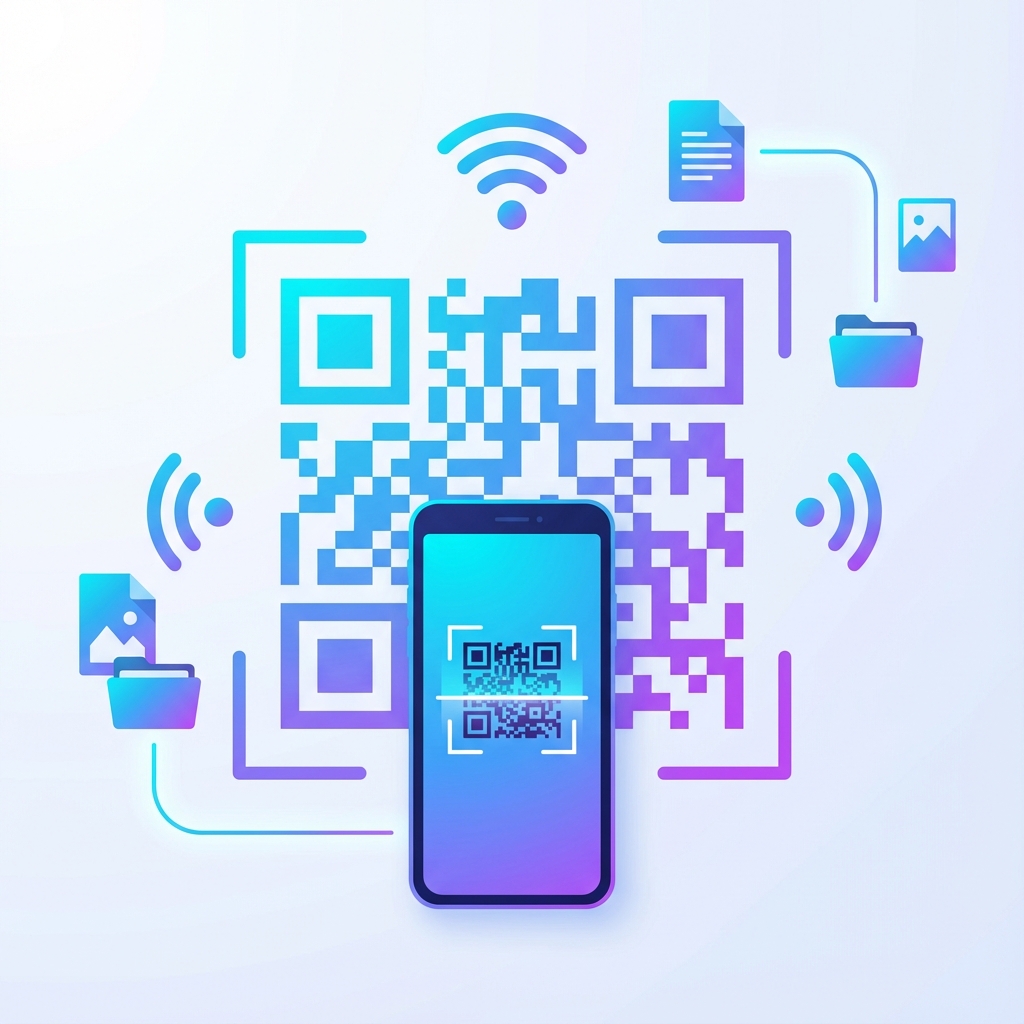
Say goodbye to manually typing URLs! Our new QR Code Quick Connect feature makes connecting devices faster than ever.
How It Works
The concept is simple but powerful:
- Click the "Quick Connect" button in the info panel
- A QR code appears on your screen
- Scan it with your phone's camera
- Instantly access your shared files!
Perfect For
- Office Meetings: Share your session with colleagues instantly
- Multiple Devices: Connect your phone, tablet, and laptop seamlessly
- Guest Access: Let visitors access shared files without typing
- Quick Transfers: Move files between devices in seconds
Copy Link Option
Don't have a camera handy? No problem! The QR modal also includes a "Copy Link" button so you can share the URL via messaging apps or email.
This feature is designed for maximum convenience. Whether you're in a meeting, at home, or on the go – connecting is now effortless!