File Request Links: Collect Uploads From Anyone
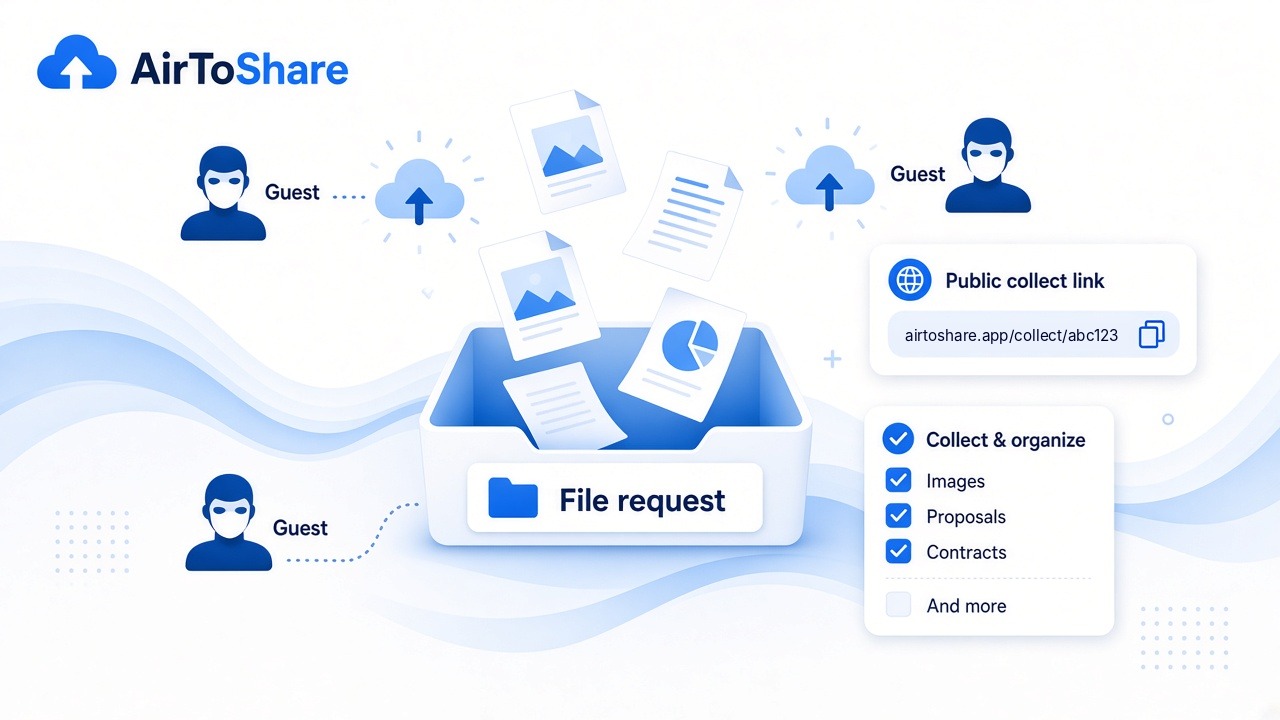
Stop chasing attachments over email. Create a file request (collect page) and let others upload straight into a share you control.
How it works
- From My Shares, click Create file request
- Add an optional title and instructions (e.g. “PDFs only, under 25 MB”)
- Copy the
/collect/...link and send it - Guests drag-and-drop files; you see them on your share
Why it helps
- Recipients do not need an AirToShare account
- Uploads reuse the same virus scan and realtime pipeline as normal shares
- You keep ownership — revoke or expire the inbox when you are done
Good use cases
Client proofs, homework drop-boxes, contractor hand-offs, event photo collection — anywhere you need inbound files without creating accounts for every uploader.