User Accounts & Email Verification Are Here
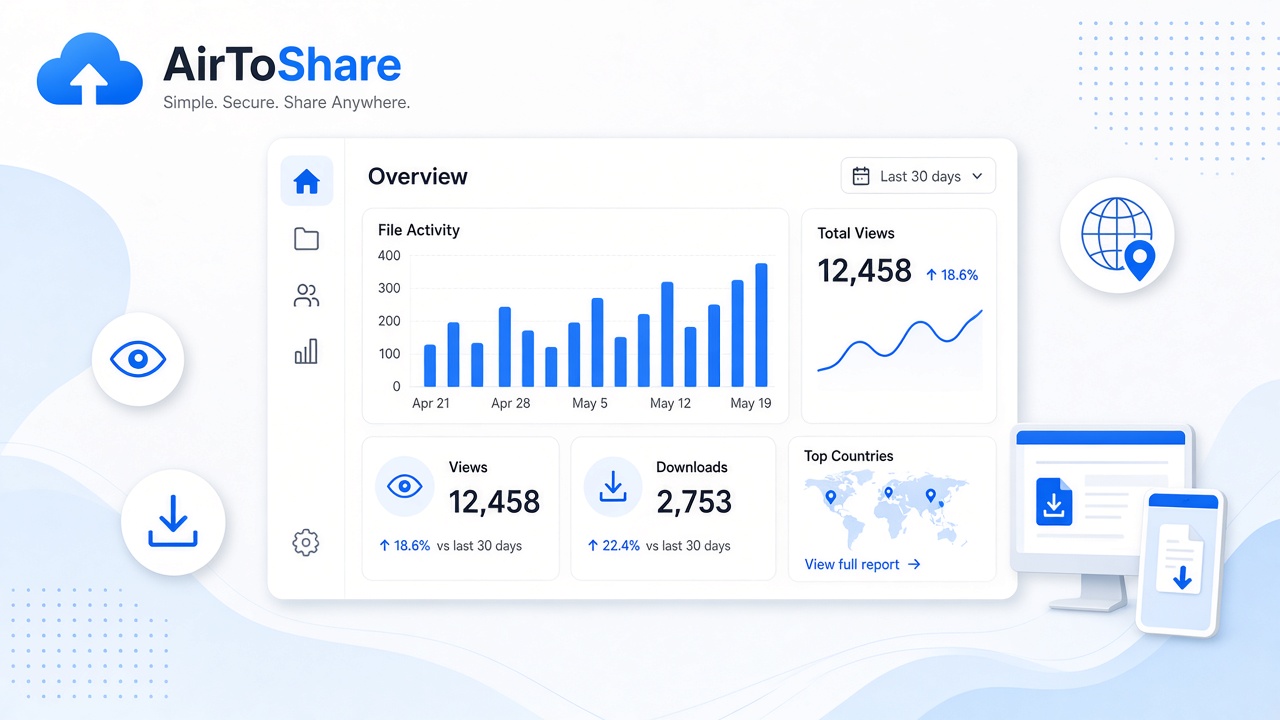
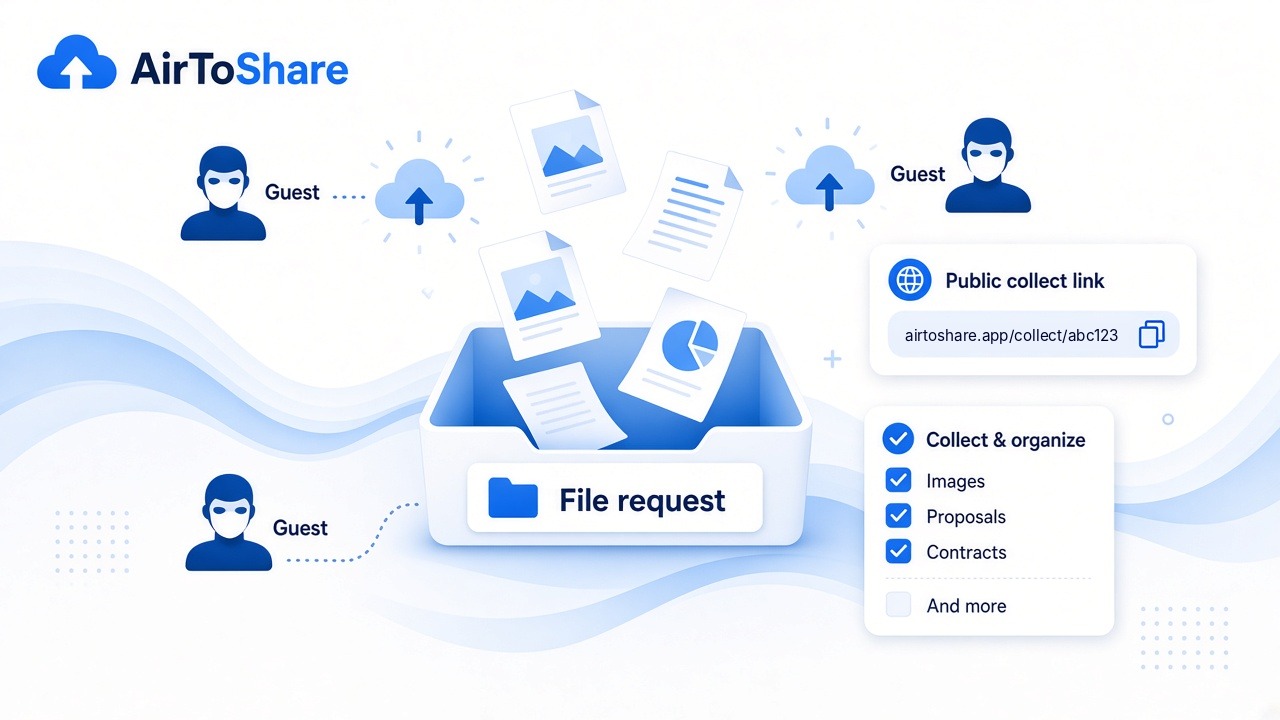
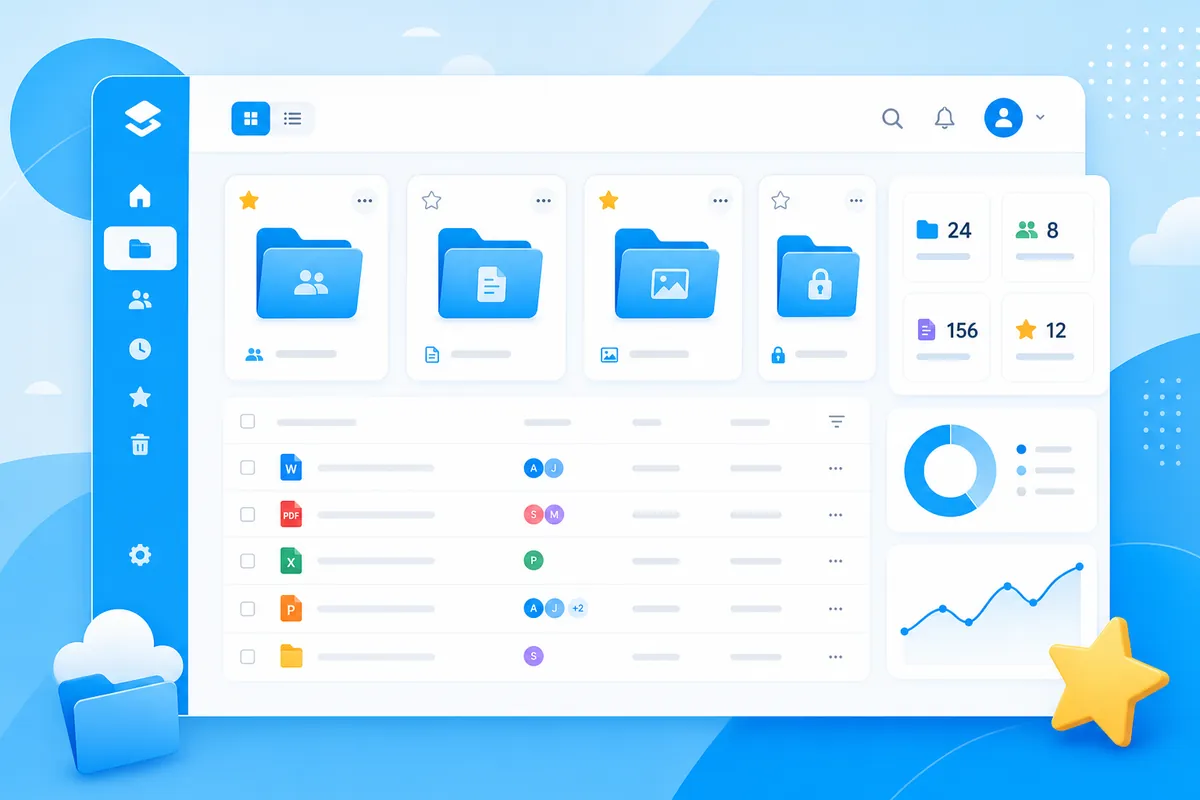
AirToShare now supports optional user accounts. You can still share instantly as a guest, but creating an account unlocks more storage, longer expiry options, and a personal dashboard.
Why create an account?
- 500 files and 10 GB storage (vs 100 files for guests)
- My Shares dashboard to manage everything in one place
- Favourites — pin up to 50 important shares
- 30-day expiry option for longer-lived shares
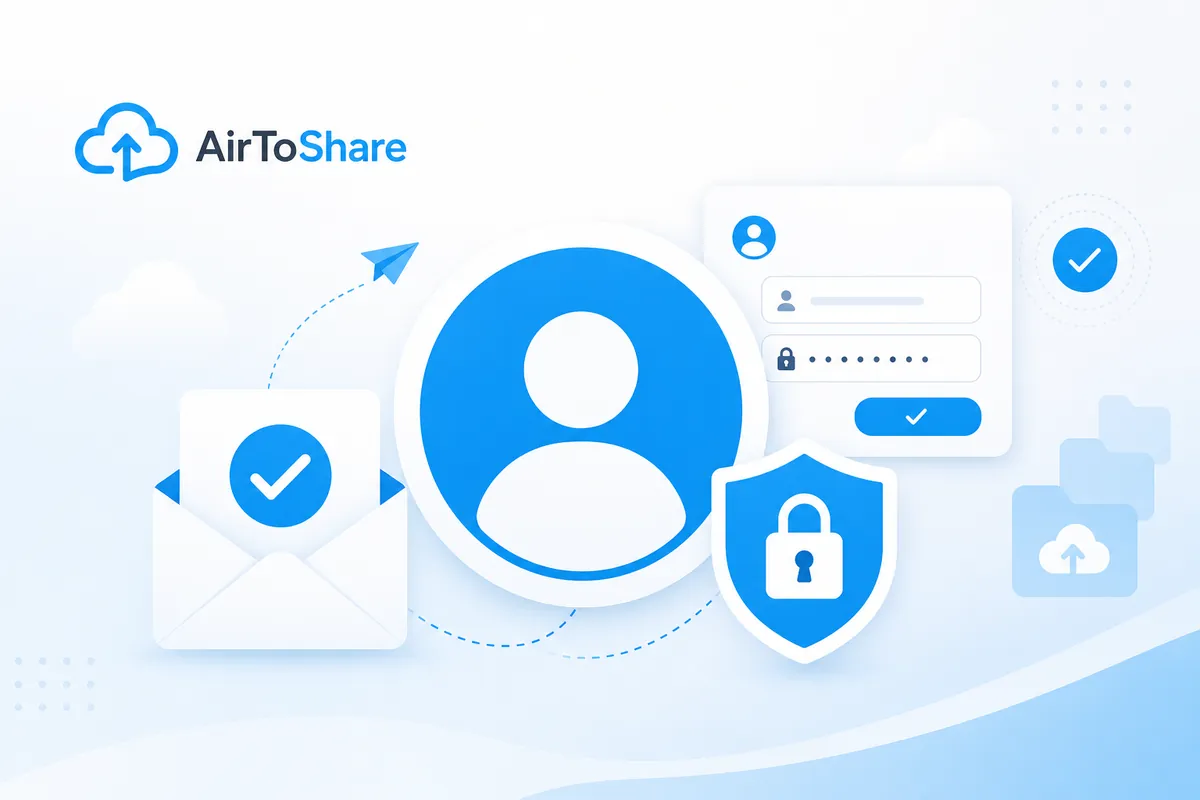
Email verification
When you register, we send a Verify Email Address link to your inbox. Click it to activate your account and access My Shares. The link is signed and expires after 60 minutes — use Resend verification email if you need a new one.
Getting started
- Click Register in the header
- Enter your email and password (8+ characters)
- Open the verification email and click the link
- Visit My Shares to see content saved while logged in
Already uploaded files as a guest? Log in on the same site URL — your recent guest content is linked to your account automatically.