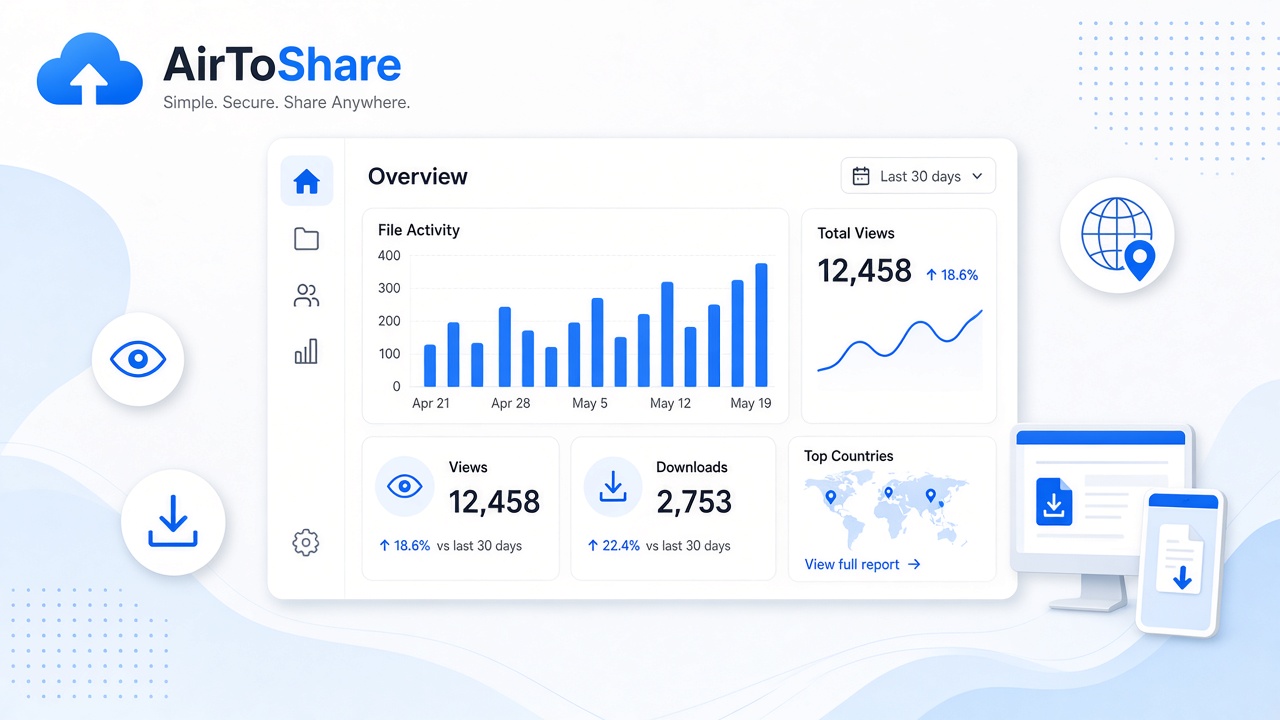
My Shares Dashboard & Favourites
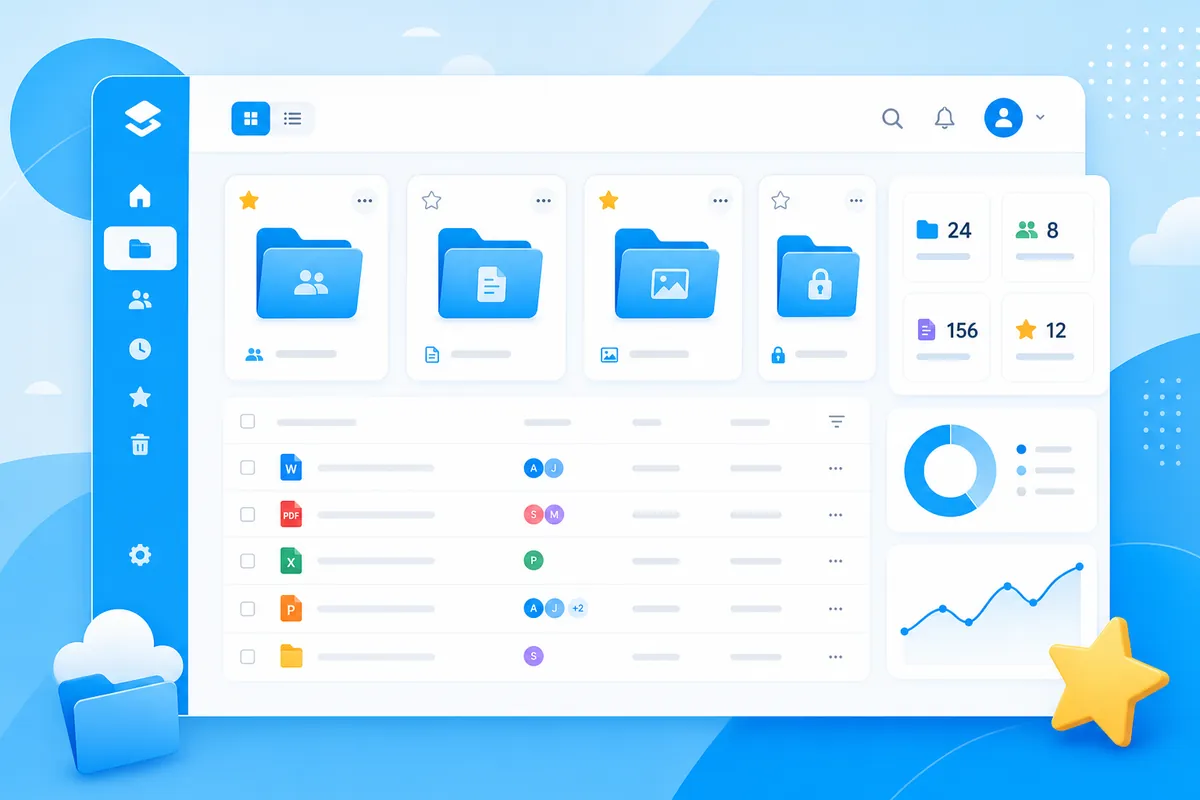
Logged-in users now get a dedicated My Shares page at /account/shares — your command centre for everything you have shared.
What you will see
- Active share count and favourite usage (up to 50)
- Each share as a card with expiry, file count, and badges (E2EE, password, public)
- Quick actions: Open share, enable/disable public gallery
Favourites
Click the star icon on any share card to add it to favourites. Favourited shares show a gold badge so you can find important content fast. Click the star again to remove.
Tip
Upload files and save text while logged in on the home page — they appear in My Shares automatically. Use the same browser URL you used to register (e.g. dev.fileshare.test, not a different localhost port).