AirToShare Now Supports Dark Mode!
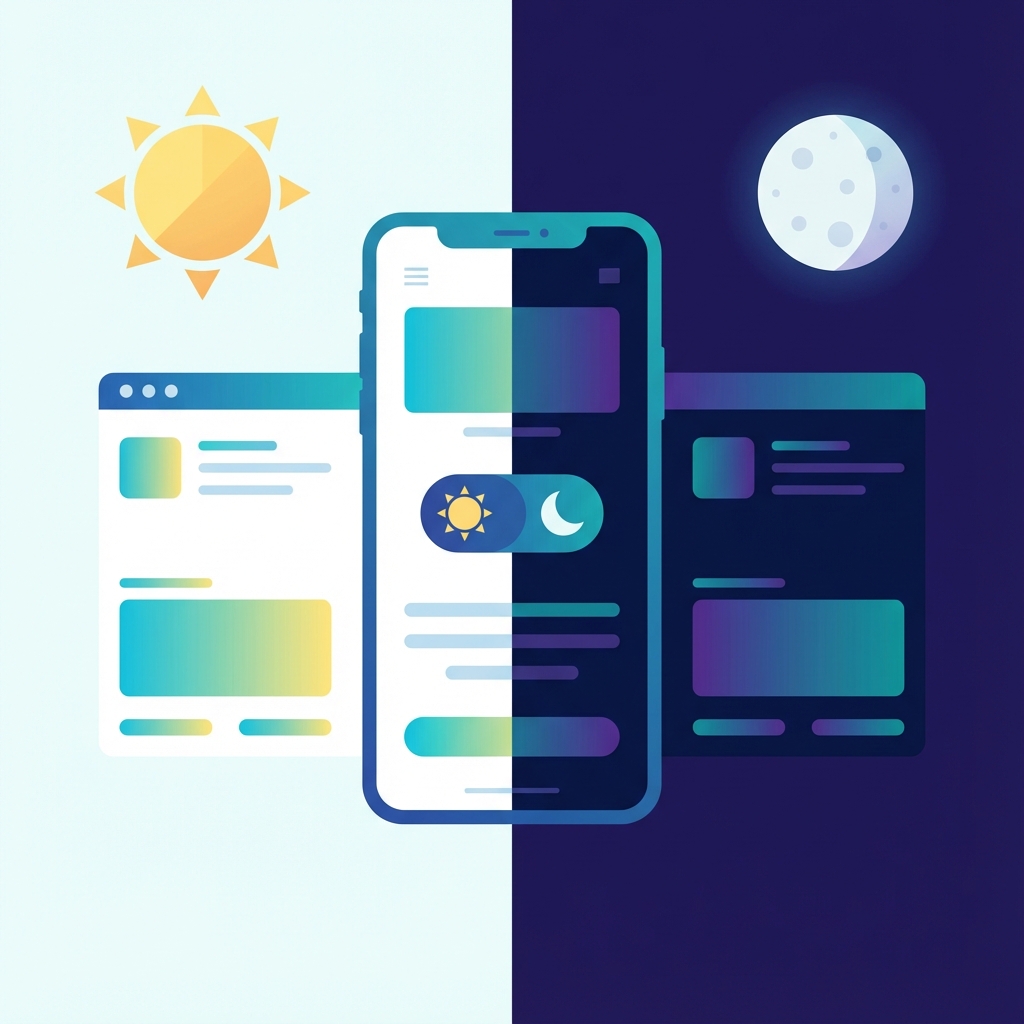
We're excited to announce that Dark Mode is now available in AirToShare! This has been one of our most requested features, and we're thrilled to finally bring it to you.
Why Dark Mode?
Dark mode isn't just about aesthetics – it's about comfort and accessibility. Here's why you'll love it:
- Reduced Eye Strain: Perfect for late-night file sharing sessions
- Battery Savings: OLED screens use less power with dark themes
- Better Focus: Less visual noise means more focus on your content
- Modern Look: A sleek, professional appearance
How to Enable Dark Mode
Enabling dark mode is super easy:
- Look for the moon icon at the bottom right of your screen
- Click once to switch to dark mode
- Click again to return to light mode
Your preference is automatically saved, so when you return to AirToShare, it will remember your choice!
What's Included
Our dark mode is comprehensive – every element has been carefully designed:
- Navigation bar with dark background
- All cards and panels
- Modals and popups
- Input fields and buttons
- Footer and all pages
We've used a beautiful blue-purple gradient that looks stunning in both modes. Try it out and let us know what you think!