Rooms: Share With a 6-Character Code
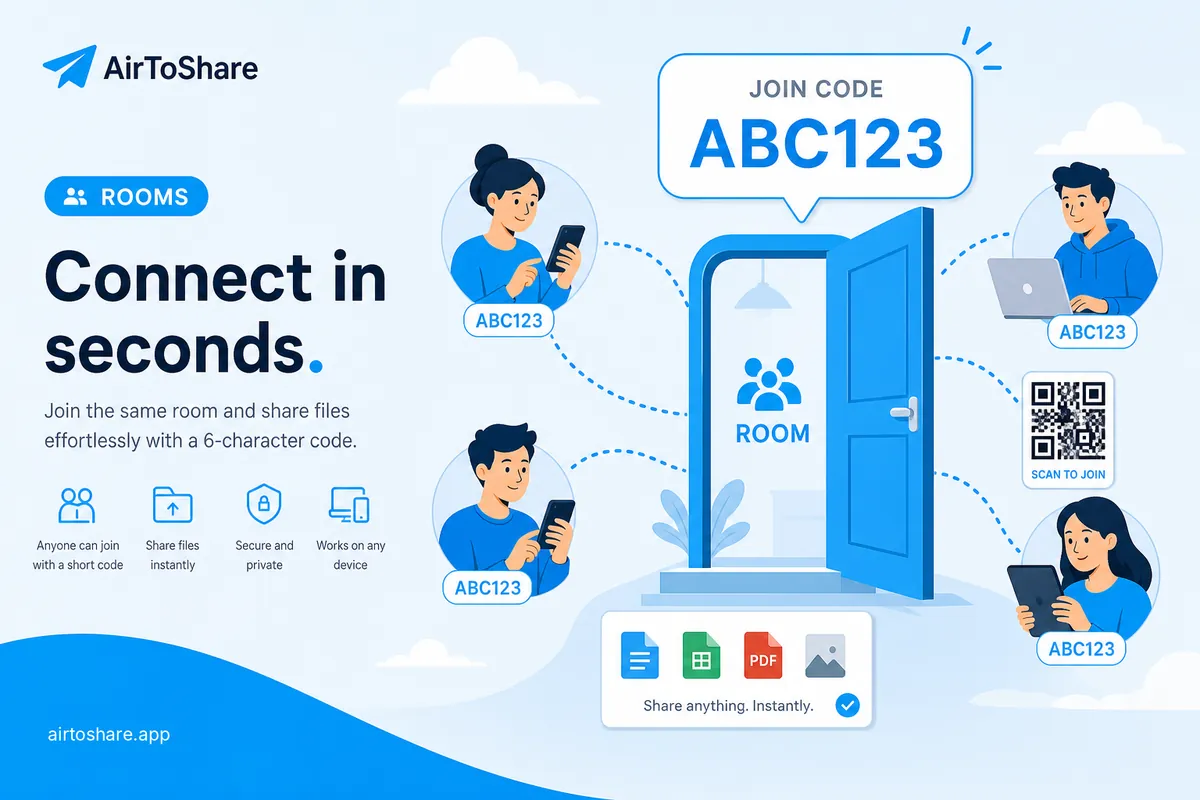
Rooms let multiple people access the same share session using a simple 6-character code — no long URLs to dictate over a call.
Create a Room
- Click Create Room on the home page
- Choose optional expiry and password protection
- Share the code or link (
/r/ABC123) with others on your network
Join a Room
Click Join Room, enter the code (letters auto-uppercase), and press Enter. Password-protected rooms ask for the room password first.
Clipboard sync
Room members can sync clipboard text in real time — great for sharing snippets, links, or notes during a session.