Public Gallery Links
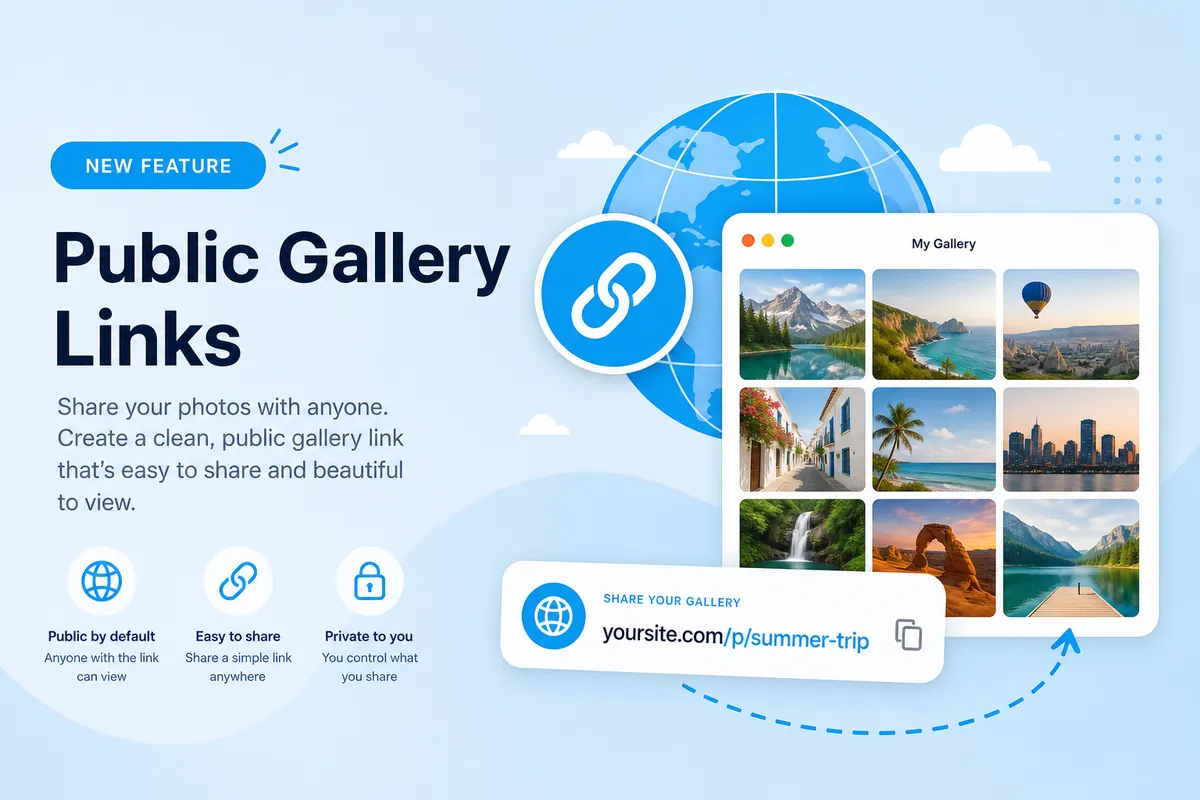
Account owners can enable a public gallery for any share they own. Visitors get a clean page at /p/your-slug without needing to join a room or know your IP.
Enable public access
- Open My Shares
- Find the share and click Enable public
- Copy the public URL and share it anywhere
Disable anytime
Click Disable public on the share card to revoke the link immediately. Password-protected shares still require the password before content is shown.