Personalize Your Devices with Nicknames
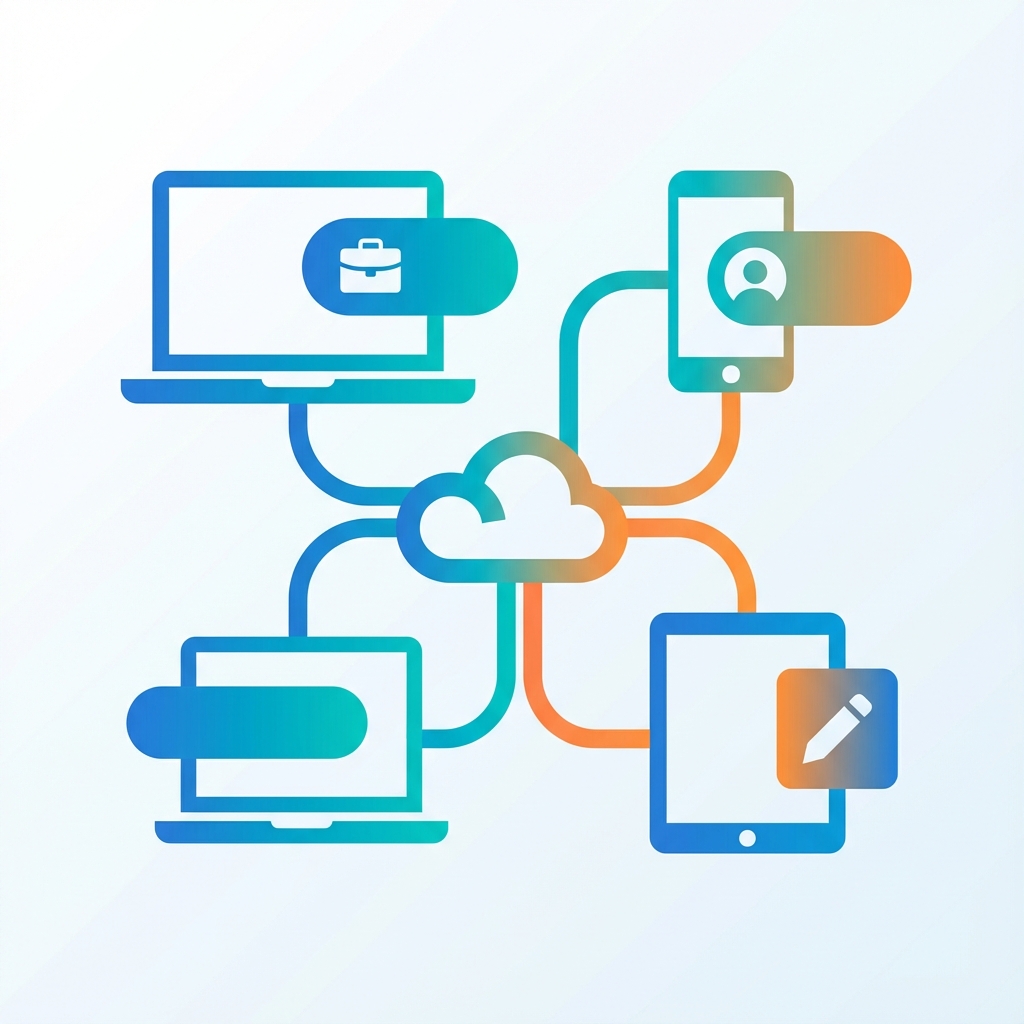
Have you ever been confused by IP addresses when sharing files? Not anymore! Our new Device Nicknames feature lets you personalize your AirToShare experience.
What is Device Nicknames?
Instead of seeing a technical IP address, you can now set a friendly name for your device. It appears right in the info panel and helps you identify which device you're using.
How to Set Your Device Name
- Look for "My Device" in the info panel
- Click on it or the pencil icon
- Type your preferred name (e.g., "Bilal's Laptop")
- Press Enter to save
Example Names
- "Work PC"
- "Home Office"
- "iPhone Pro"
- "Living Room iPad"
- "Samsung Galaxy"
Persistent Across Sessions
Your nickname is saved locally, so every time you open AirToShare on that device, it will remember your custom name. No sign-up or account needed!
This small feature makes a big difference when you're managing multiple devices. Give it a try and make AirToShare truly yours!