Custom Branding on Public & Collect Pages
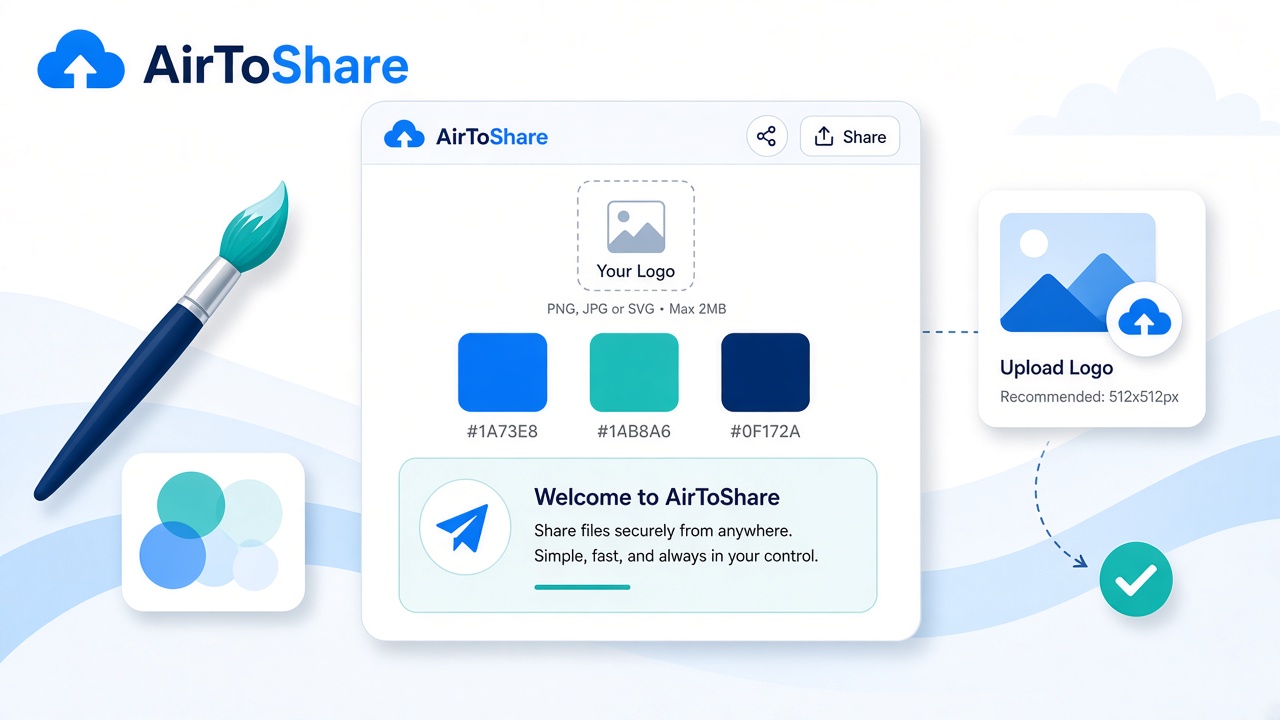
Make every public delivery feel like it came from your brand. Account settings now include simple branding that appears on public gallery and file-request pages.
What you can customise
- Logo — PNG, JPG, SVG, or WebP (up to 2 MB)
- Brand colour — any 6-digit hex colour for accents
- Short message — up to 160 characters under your header
Where it shows
Branding appears on public share pages (/p/...) and collect / file request pages so clients instantly recognise who asked for the files.
Set it up
- Log in and open Account → Settings
- Upload a logo, pick a colour, write your message
- Save — new public and collect views pick it up immediately
Remove the logo anytime if you want to go back to the default AirToShare header.