Optional End-to-End Encryption (E2EE)
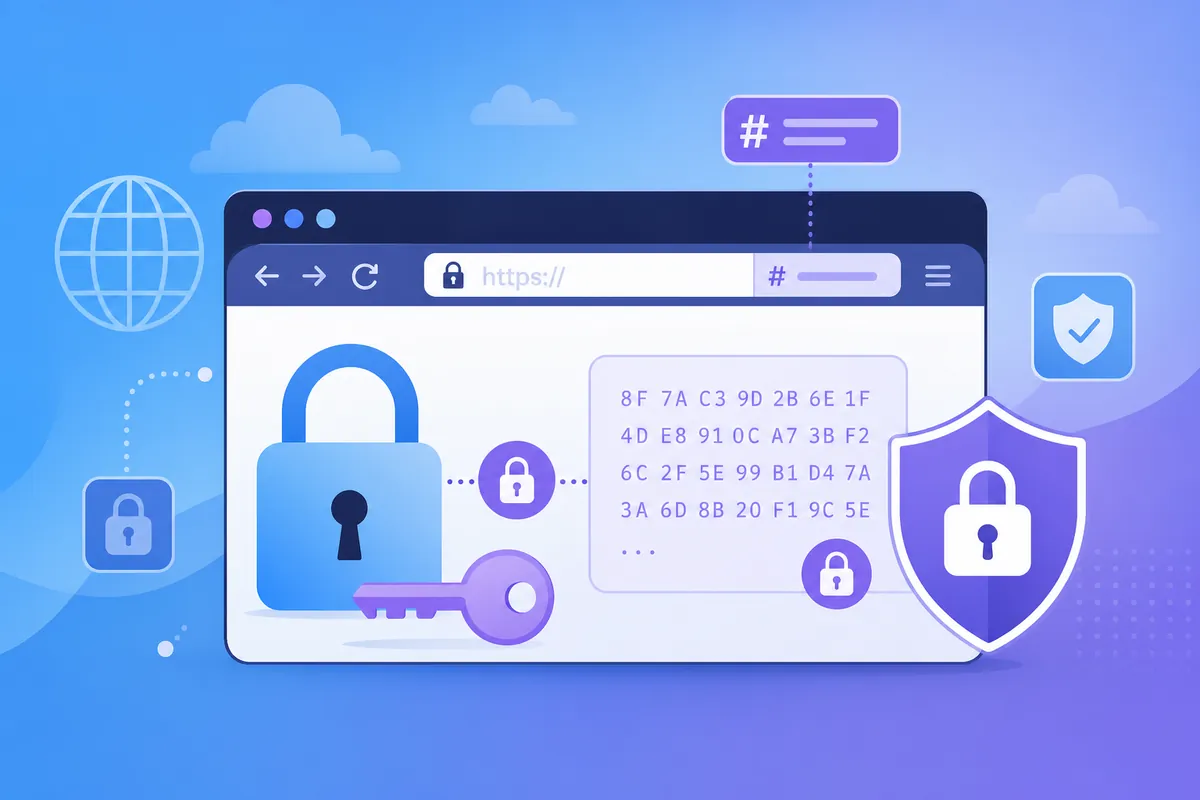
Enable End-to-End Encryption when saving text to protect content from anyone without the decryption key — including the server.
How E2EE works here
- Your browser generates an AES-GCM key
- Text is encrypted before it is sent
- The key is placed in the URL fragment (
#k=...) — never sent to the server - Share the full URL including #k= with recipients
Requirements
E2EE needs a secure context: HTTPS or http://127.0.0.1. On plain HTTP hostnames (e.g. some local dev domains), the checkbox is disabled with an explanation.
If decryption fails, you will see an error — wrong key, corrupted data, or an incomplete link.